
Before a visitor reads a single word on your website, they have already judged the business behind it — whether it looks like the work of a company worth their time, or one to click away from. That verdict is web design at work, doing its job or quietly undoing it. As a creative director, I watch it land in every review: the page resolves, the eye settles somewhere, and the impression is set before anyone scrolls.
Most business owners meet web design only through that verdict — the site that earns an enquiry or loses one without ever saying why. This is for the owner who wants to see behind it. Two questions sit underneath, and they pull in opposite directions: what web design actually is, and where it stops; and what specifically goes into a website people trust and act on. The honest answer to the second is that it is never one good decision — it is a stack of them: the visual layer, how a page is laid out, how visitors find their way around, how the whole experience holds together, the interface a person actually touches, how the site behaves on a phone, and whether everyone can use it at all.
Naming those parts is the easy half. Understanding how each one carries its weight — and how they lean on each other — is what separates design from decoration. But all of it rests on the first question, because what a business takes "web design" to mean quietly decides what it briefs, what it pays for, and what it judges the result against. So that is where this starts.
What Is Web Design?
Web design is the visual, user-experience, and user-interface craft of a website — the design discipline concerned with how a site looks, how it behaves for the person using it, and how its interface is shaped, rather than with the code that makes it run. Website design, as the term is used here, refers to exactly the same discipline: a planning and styling practice, not a building or selling one. Pinning that meaning down matters more than it first appears, because a definition is not neutral. The sense an owner attaches to web design decides what they brief, what they pay for, and what they later judge the result against.
As a discipline, web design covers three layers that work together. There is the visual layer — the color, type, spacing, and imagery that give a site its character and signal what kind of business stands behind it. There is the experience of using the site — how intuitive it feels to find something, complete a task, or read a page without friction. And there is the interface itself: the buttons, menus, forms, and states a visitor sees on screen and operates with a click or a tap. Web design names and arranges all three. It does not teach color theory in passing or run usability tests on the spot; it is the practice that holds those concerns in one place and turns them into a coherent design for a specific site. For owners who want the underlying idea stripped to its plainest form, that fuller treatment of "what is web design" sits in its own definition, which this discipline-level view sits on top of.
One distinction is worth setting up now, because it is the source of most confusion about the term. What web design produces is a design deliverable — a planned, styled, navigable blueprint of the site, agreed before anything is built. That deliverable is not the running website itself. The line between the design the discipline hands over and the working site a visitor later loads is precisely where web design meets, and then gives way to, the work of building. That boundary deserves its own treatment, and it leads straight into how design differs from development.
What a Web Designer Does
A web designer does the work that gives the web design discipline its concrete shape: the designer takes a business goal and turns it into a planned, styled, navigable design that a developer can later build. Where the definition of web design names three layers in the abstract, a web designer is the practitioner who actually weighs them against each other for one particular site — choosing how the visual character, the experience of using the page, and the interface elements resolve into a single coherent direction. Asking what a web designer does is, in practice, another way of asking what web design is, answered through actions instead of categories.
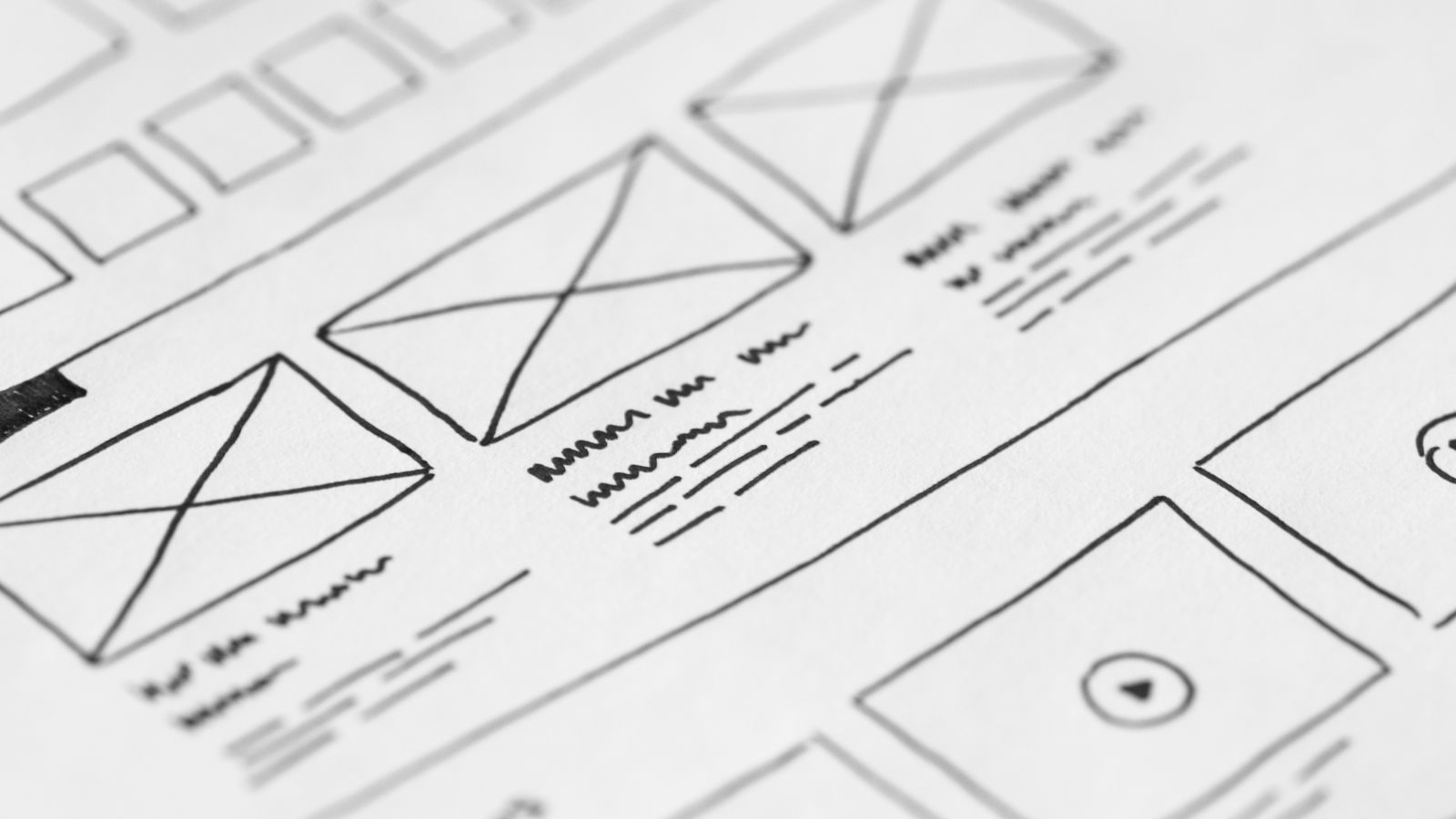
Much of that work shows up as design artifacts produced well before any site goes live. A designer sketches the skeleton of a page before styling it, then builds a clickable model that shows how screens connect and how an interaction feels in motion. Those two artifacts — the structural plan and the interactive model — are where a design stops being a description and becomes something a client can react to. The detail of how they are made, and why one precedes the other, belongs to the craft of "wireframing and prototyping". A designer also moves through recognizable phases, from an opening brief that names the goal and the audience, through exploration and refinement, to a launch-ready design signed off for build. That sequence is the web design process, a discipline of its own that walks through each phase from brief to launch.
What a web designer hands over, then, is a finished design — not a finished website. The designer's work closes at the moment the launch-ready design is approved and passed along to be built in code. Everything before that line is design; everything after it is a separate discipline with its own practitioners and its own logic — and that distinction between designing a site and building it is worth drawing out clearly.
How Web Design Differs From Web Development
Web design differs from web development in one clean way: web design is the visual, user-experience, and user-interface craft that decides how a site looks and feels, while web development is the build — the code that turns that design into a working website. The two sit side by side on every project, yet they answer different questions. Design settles what a page should be. Development settles how the browser makes it real.
Hold the line at the deliverable. A designer produces the design — the layouts, the type and color decisions, the way a visitor moves from one screen to the next. That design is a plan for an experience, not yet a running thing a visitor can click. Web development picks the plan up at that point. A web developer translates the layouts and states into markup, styling, and logic, and the design becomes a site that loads, responds, and serves real visitors. The craft ends where the deliverable is handed over; the build begins where web development takes the deliverable and makes it function.
So the boundary is really a handoff, not a contest. Design and development separate by what each one produces — an intended experience on one side, a functioning website on the other — and the cleaner that handoff, the more faithfully the finished site reflects what the designer set out to do. Which raises the more useful question for any business putting up a site: once the definition is settled and the boundary is clear, what actually makes a design good?
What Makes Web Design Good for a Business Website?
Good web design is design that pays off for the business — it makes a business website credible, easy to use, and ready to turn a visitor into a customer. The look is part of it, but good design is measured by what it does for the business behind the site, not by decoration alone. A handsome page that confuses people is not good web design. A clear, coherent, trustworthy one is, because it serves the people the business is trying to reach.
Three stakes decide whether design is doing its job for a business. The first is credibility: the site has to read as the work of a real, dependable company in the seconds before anyone reads a word. The second is usability: people should find what they came for without friction. The third is conversion-readiness: the path toward an enquiry, a call, or a purchase should feel obvious rather than effortful. Good design holds all three at once, which is why the underlying web design principles — the rules of hierarchy, balance, contrast, and restraint that govern a page — matter more than any single stylistic choice. Whether a business takes that on internally or brings in outside help, the principles are the same; only the hands change.
Good design also moves with the times without chasing them. Current web design trends can sharpen a site and signal that a business is paying attention — provided they never cost a visitor clarity or speed. A trend that buries the navigation or slows the page has stopped serving the business. That tension, between what looks current and what works, is exactly what the inputs of good design resolve.
Those inputs are what the rest of this comes down to. Good web design is the sum of a handful of working parts — the visuals, the layout, the navigation, the way the interface behaves across devices — and each one pulls toward the same two payoffs a business actually cares about: a site people trust, and a site that moves them to act. For an Alaska business weighing when to bring in a web design company, those parts are the work being commissioned.
Business Website Credibility
Business website credibility is the trust a site earns in the first moment a visitor lands, and good web design builds it before a single claim is read. Credibility here is not a badge or a testimonial; it is the impression that a real, capable business stands behind the site. Good design produces that impression through coherence — consistent type, deliberate spacing, color that holds together, images that belong.
Visual and user-experience quality do the signaling. When the layout is orderly and the experience feels considered, a business visitor reads the site as the work of a company that takes itself seriously, and that read transfers to the business itself. Polish conveys care; care projects trustworthiness. A site that looks thrown together communicates the opposite, no matter how strong the offer buried inside it. Trust comes first, and only after a visitor trusts a business does the next thing become possible — acting on what the site asks.
Conversion
Conversion is the moment a visitor takes the action a business wants — an enquiry, a phone call, a purchase — and good web design supports it by making that action the path of least resistance. Conversion is named here as a payoff of design, not a tactic to be tuned; the design earns it, or the design gets in its way.
A clear layout and a smooth user experience guide a visitor toward that action without making them think about the mechanics of getting there. The eye lands where it should, the next step is where a visitor expects it, and nothing competes for attention that does not deserve it. A confusing layout does the reverse: it loses the visitor somewhere between arrival and intent. Good design directs attention and eases the way forward, which is why conversion belongs to the same craft as credibility rather than to a separate discipline bolted on afterward. And good web design is precisely the sum of the parts that produce both — the visual decisions that come first among them.
Visual Design
Visual design is the color, typography, and imagery layer of a well-designed website — the part of web design a visitor reads before reading a single word. It is one input to web design, not the whole of it. Where the rest of web design decides how a site behaves, visual design decides how a site looks and feels, and that look and feel is the first thing the eye settles on when a page loads.
Think of it as the surface every other design choice has to pass through. A clear layout still reaches people through color, type, and pictures; a sensible navigation system is still rendered in a typeface and a palette. So while visual design sits alongside layout, navigation, and the user experience and interface work as a sibling concern, it carries an outsized share of the first impression. Web page design succeeds or fails on that first impression for most visitors.
The visual layer breaks into a small set of decisions a designer makes for every project: color, typography, and imagery. Each one is small to name and large in effect, and each is treated as its own craft once a project moves past the planning stage. For the businesses we design for across Alaska, getting those decisions right is what separates a site that merely works from one that earns trust on sight.
Color
Color is the visual-design choice that sets a site's tone before anything is read. As one decision inside the visual layer of web design, it carries mood and brand recognition: a calm professional palette reads differently from a bold energetic one, and the contrast a visitor feels between them is doing real work for the business behind the page.
Typography
Typography is the type choice that shapes how a site reads, and it is the visual-design decision that quietly governs comfort. Inside the visual layer of web design, typography sets the voice on the page — the difference between a site that feels approachable and one that feels stiff comes down to which letters carry the words.
Imagery
Imagery is the photo, illustration, and graphic layer a site uses to show rather than tell. As a visual-design decision, it gives web page design its evidence — the faces, places, and objects that make a business feel real instead of generic. Color, typography, and imagery together decide the surface a visitor trusts, and the full craft behind that surface is where visual web design does its deeper work.
Website Navigation
Website navigation is the findability layer of a well-designed website — the part of web design that decides whether a visitor can locate what they came for without thinking about it. Treating it as nothing more than a menu sells it short. Navigation is a design concern first, a list of links second.
What navigation organizes is movement. It shapes how a visitor moves through a site, which paths feel obvious and which dead-end, how a person travels from a homepage to the one page that answers their question. Good web design directs that movement deliberately. The menu, the labels, the order of the items, the way deeper pages connect back to the surface — those choices organize a site so that getting somewhere never feels like guesswork. When findability holds up, the visitor barely notices the structure underneath; when it breaks, every other strength of the design quietly stops mattering.
How those paths get planned, how a site's structure is mapped before a single label is written, is the work that website navigation and information architecture carries in full, routing the whole of a site into something a person can actually move through.
UX Design
UX design is the user-centered usability layer of a well-designed website — user experience design, the discipline concerned with how usable and satisfying a site feels to the person using it. Good web design depends on UX, because a site can look right and still frustrate at every turn. Usability is the difference. Where visual design decides how a site looks, UX decides how it works for the visitor who has something to get done.
UX design serves the visitor's actual goal rather than the designer's preference. It supports the small moments that add up to a sense of ease — a form that asks for what it needs and nothing more, a button where the eye already expects one, a flow that never strands a person mid-task. None of that is decoration. A site that feels effortless is a site where UX did its job quietly, and that quiet competence is what separates good web design from design that merely photographs well.
The methods that produce that usability — how a team studies real visitors, shapes flows around them, and refines a site until it feels right — are what ux design covers, the practice of building user experience into a site from the ground up.
Website Layout
Website layout is the part of web page design that decides how a page is composed — where elements sit, how they group, and what a visitor meets before scrolling. Layout arranges a page on a grid, gives that grid an order, and settles what sits above the fold, the area in view the moment the page loads. Web design treats layout as the structural plan underneath everything visible: type, color, and imagery all land on the composition that layout establishes first.
A grid keeps the composition disciplined. It aligns blocks of content so the eye reads the page as a deliberate arrangement rather than a scatter of parts, and it holds that arrangement steady whether the page carries a single column or several. Within that structure, layout also weighs prominence. Some content earns the position above the fold; the rest follows in an order the composition makes legible. Visual hierarchy is the layout concern that governs that order, ranking what a visitor should register first against what can wait.
Layout never works alone in a well-designed website. It shares the page with the visual craft of color and type, with navigation, and with the user experience work that sits behind how the page behaves. What separates layout from those neighbors is its job: it composes the surface so the other design decisions have a coherent place to stand. The full discipline of structuring the page — grid systems, composition patterns, and how a layout adapts across the canvas — belongs to a dedicated treatment of "website layout" and page composition.
Visual Hierarchy
Visual hierarchy is the ordering inside a website layout that tells a visitor what to notice first, then next, then last. It prioritizes the elements on a composed page — through position, scale, and emphasis — so the most important one reads before the supporting ones. Where layout arranges the page on a grid, visual hierarchy orders that arrangement by importance, and it remains a layout concern within web page design rather than a separate design layer. Hierarchy works with the same grid and the same above-the-fold logic that layout already establishes, and the craft of ranking emphasis across a page belongs with the owning treatment of website layout and page composition.
UI Design
UI design — user interface design — is the part of web design that shapes the interface layer: the elements a visitor sees and operates. Buttons, form fields, menus, toggles, and the controls that respond to a click or a tap all belong to the user interface. UI design presents those elements and the states they move through, so the surface a visitor touches feels considered rather than improvised. The interface is what design hands to a person directly; UI design is the discipline that composes it.
A clear distinction keeps the interface layer in its own lane. UI design covers what the interface looks like and how it responds — the appearance and behavior of every control on the page. The usability work behind those controls, the question of whether the path through a site actually serves the person on it, belongs to user experience design instead. UX design governs the experience; UI design governs the interface that delivers it. The two pair on every well-designed website, yet they answer different questions, and conflating them blurs both.
Where the visual layer of color and type sets tone, and layout composes the page, UI design makes that page operable. Each element it presents — the field a visitor fills, the button a visitor presses — has to read clearly and behave predictably for the interface to hold together as one design. Component patterns, interface states, and the systems that keep an interface consistent across a site go deeper than a single page can, and that fuller craft is ui design.
Responsive Web Design
Responsive web design is one site that adapts across devices, treated as a single design decision rather than a separate mobile build. The phrase carries a specific meaning inside the design discipline: the same content, the same structure, and the same brand read well whether they land on a phone, a tablet, or a desktop. A responsive design does not split into a "real" site and a stripped-down mobile cousin. It bends to the screen it meets.
We treat this as a design-time decision, not a patch applied afterward. When a layout is composed with responsiveness in mind, type scales sensibly, images reflow, and navigation reorganizes itself so nothing important falls off the edge of a small screen. Mobile-first design pushes that thinking further — start from the narrowest, most constrained view, prove the content works there, then let it expand on roomier screens. The reasoning is plain enough: most visits to a well-designed website now arrive on a phone, so the small screen earns the first draft of the design rather than the last.
Responsive design sits alongside layout and user-experience design as a property of how the whole thing behaves, not a bolt-on feature. One site, many screens, one coherent experience. The deeper craft — how a responsive grid is built, where a design adapts, how mobile-first thinking shapes each decision — belongs to its own treatment of responsive web design.
Web Design Accessibility
Web design accessibility is inclusive design — designing a site so it stays usable by people with disabilities, built that way from the start rather than corrected after launch. Accessibility, as a design-time concern, asks a quiet question of every choice: can someone reach this content if they navigate by keyboard, listen with a screen reader, or read with low vision? Good web design accommodates everyone, which is why accessibility belongs in the design itself and not in a clean-up phase.
Inclusive design means the audience is wider than the comfortable default. Color choices carry enough contrast to be read in bright light or by someone with limited color perception. Text resizes without breaking the layout. Interactive elements respond to a keyboard, not only a mouse. None of this is an afterthought when it is part of the original design intent — it is what designing for everyone looks like. The alternative, retrofitting access onto a finished site, is slower, costs more, and shows.
For Alaska businesses, an accessible site also reaches more people: it serves more of the people who arrive, on more of the devices and assistive tools they bring. The technical detail — how a design is audited, which standards apply, how specific barriers get removed — is a discipline of its own and belongs to accessible web design.
Each of these is a piece of the same craft. Visual design, navigation, user-experience design, layout, user-interface design, responsive behavior, and accessibility are the parts that, together, make a website well-designed — each one a design decision in service of a site that looks right, works for the people who use it, and earns the trust of the businesses it represents.